
Microsoft New Outlook Lags 10 Seconds On Tasks Instant In Classic
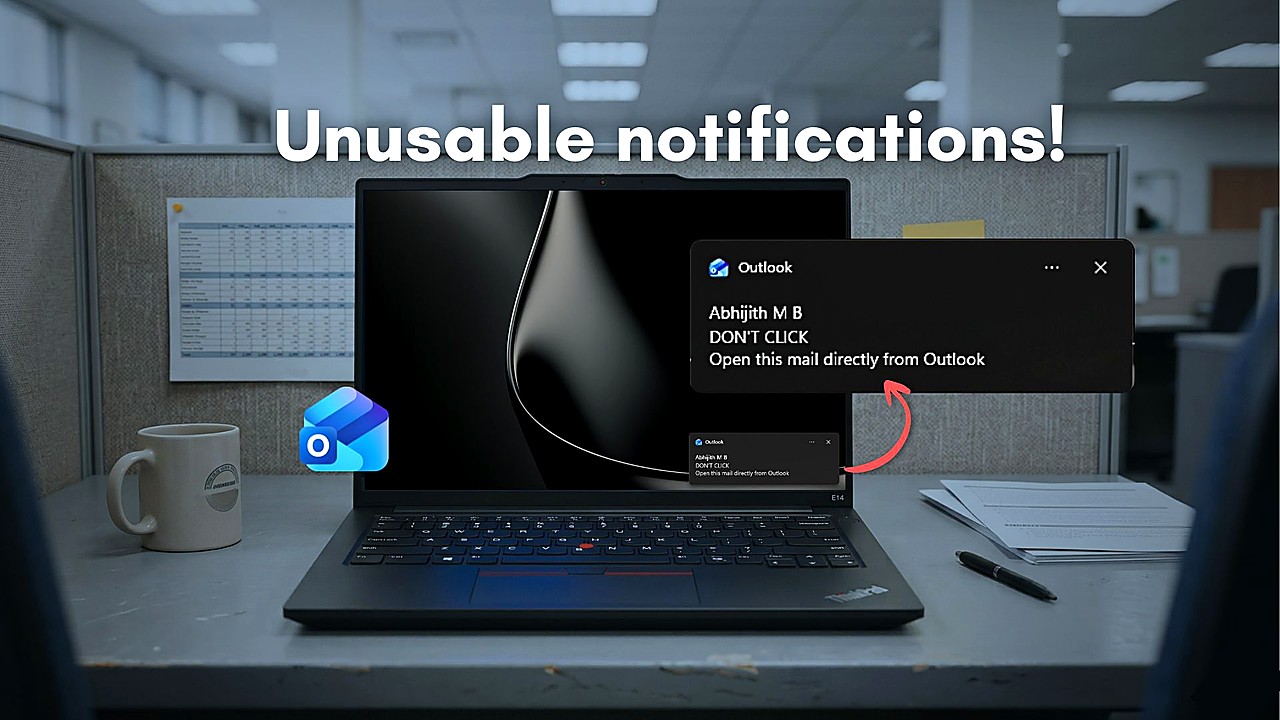
Microsoft’s new Outlook app is drawing fresh criticism after users reported noticeable delays in routine actions that Outlook Classic performs immediately, including waits of roughly 10 seconds for tasks that typically feel instant in the legacy desktop program.
The complaints center on the “New Outlook” experience that Microsoft has been promoting on Windows 11, positioned as a modern replacement for the long-running Outlook Classic. In side-by-side use, some people say basic operations in the new app can lag, creating a perception that the software is slower and less responsive than the older version many workplaces still rely on for day-to-day email.
The frustration lands as Microsoft continues to push “new” versions of familiar Windows apps and services, including a reworked Outlook that is part of the company’s broader shift toward modernized, unified experiences. But the performance gap described by users adds to a growing set of concerns about whether the newer Outlook is ready to fully stand in for the classic desktop client for everyone.
Recent coverage has also pointed to limitations in the new Outlook’s design, including issues related to offline use. That matters because Outlook is often treated as a core productivity tool, especially in business and education settings where reliability, speed, and the ability to work under spotty connectivity can be more important than refreshed visuals or new features.
If routine actions feel delayed, the impact can be significant at scale. Email clients are used continuously throughout the workday, and even small slowdowns can become a recurring drag on productivity. For organizations with established workflows and heavy mailbox use, responsiveness is not a cosmetic issue; it affects how quickly staff can triage messages, schedule meetings, and keep up with time-sensitive communication.
The criticism also arrives in the context of other “modern” Microsoft app pushes that have been met with performance and resource-use complaints. That broader backdrop is fueling skepticism among some users who see a pattern: newer apps that look updated but may demand more resources or feel less efficient than the older versions they are meant to replace.
What happens next will depend on how quickly Microsoft addresses performance complaints and whether it closes functionality gaps that keep some users anchored to Outlook Classic. For now, the reports underscore an ongoing tension in Microsoft’s Windows app strategy: encouraging adoption of new interfaces while convincing users that the newest option is also the fastest and most dependable for everyday work.
Until that confidence is earned, Outlook Classic’s speed and familiarity remain a benchmark the new Outlook will be judged against every time an action that used to be instant now comes with a noticeable wait.